Quickly Find Short Bonds and Net-Force Outliers
A quick structural check before training can expose overlapping atoms, periodic-boundary mistakes, and unconverged forces. The two complementary checks below build a review list; neither check removes structures automatically.
Run Both Checks
Use Find non-physical structures and then Check net force on the toolbar:
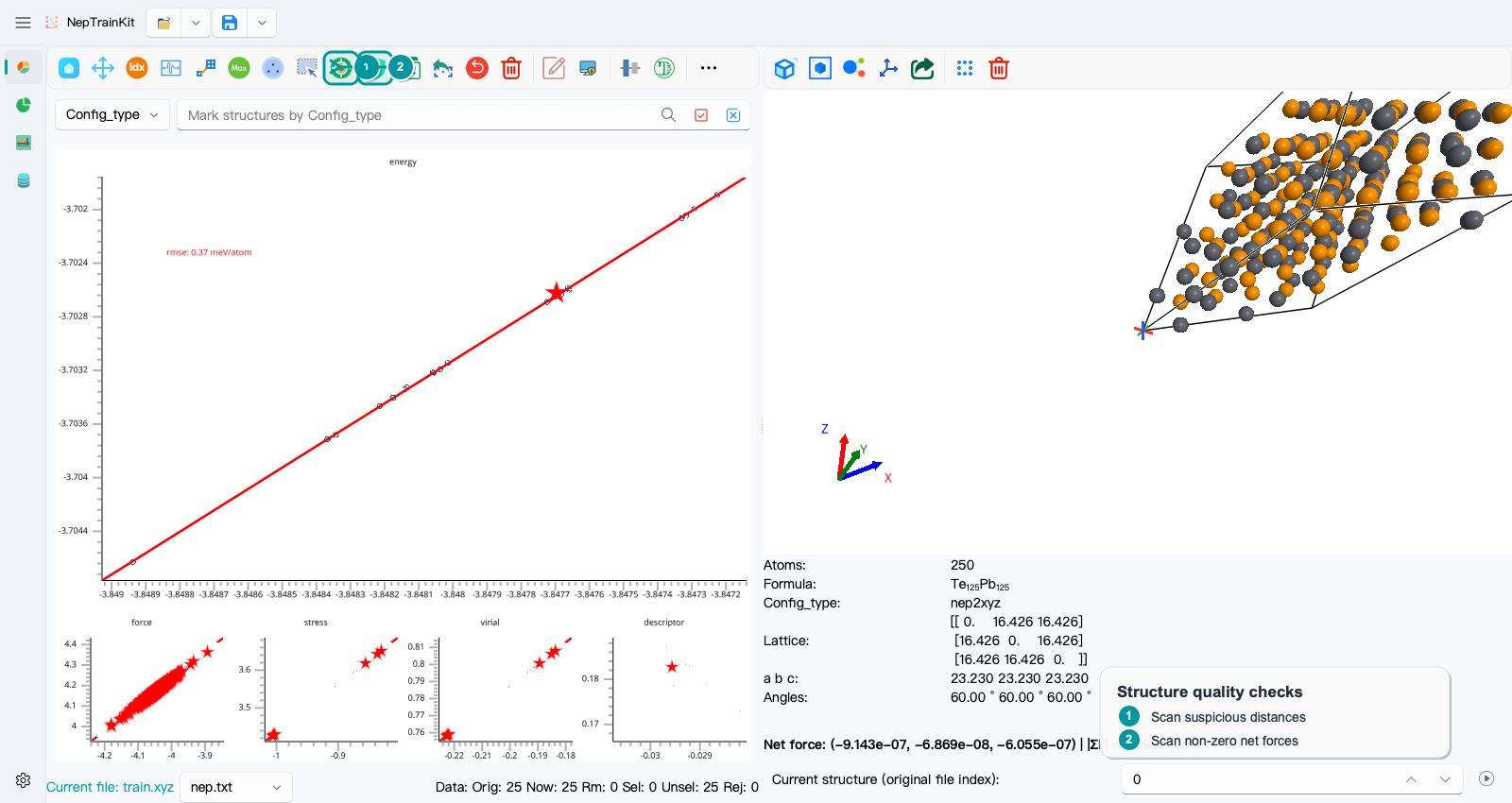
The short-distance check uses the radius coefficient in Settings. With the default value 0.7, a structure is selected when an interatomic distance is below 0.7 times the sum of the two covalent radii. This is useful for obvious collisions, not as a universal bonding criterion.
Enter the net-force threshold in the dialog, in eV/Å:
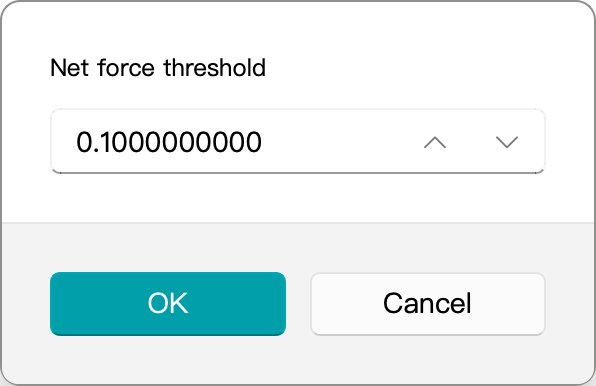
The program evaluates \(|\sum_i \mathbf{F}_i|\) for each structure. This example uses 0.1 eV/Å; choose a production threshold based on the calculation accuracy and system size.
Treat the Selection as a Review List
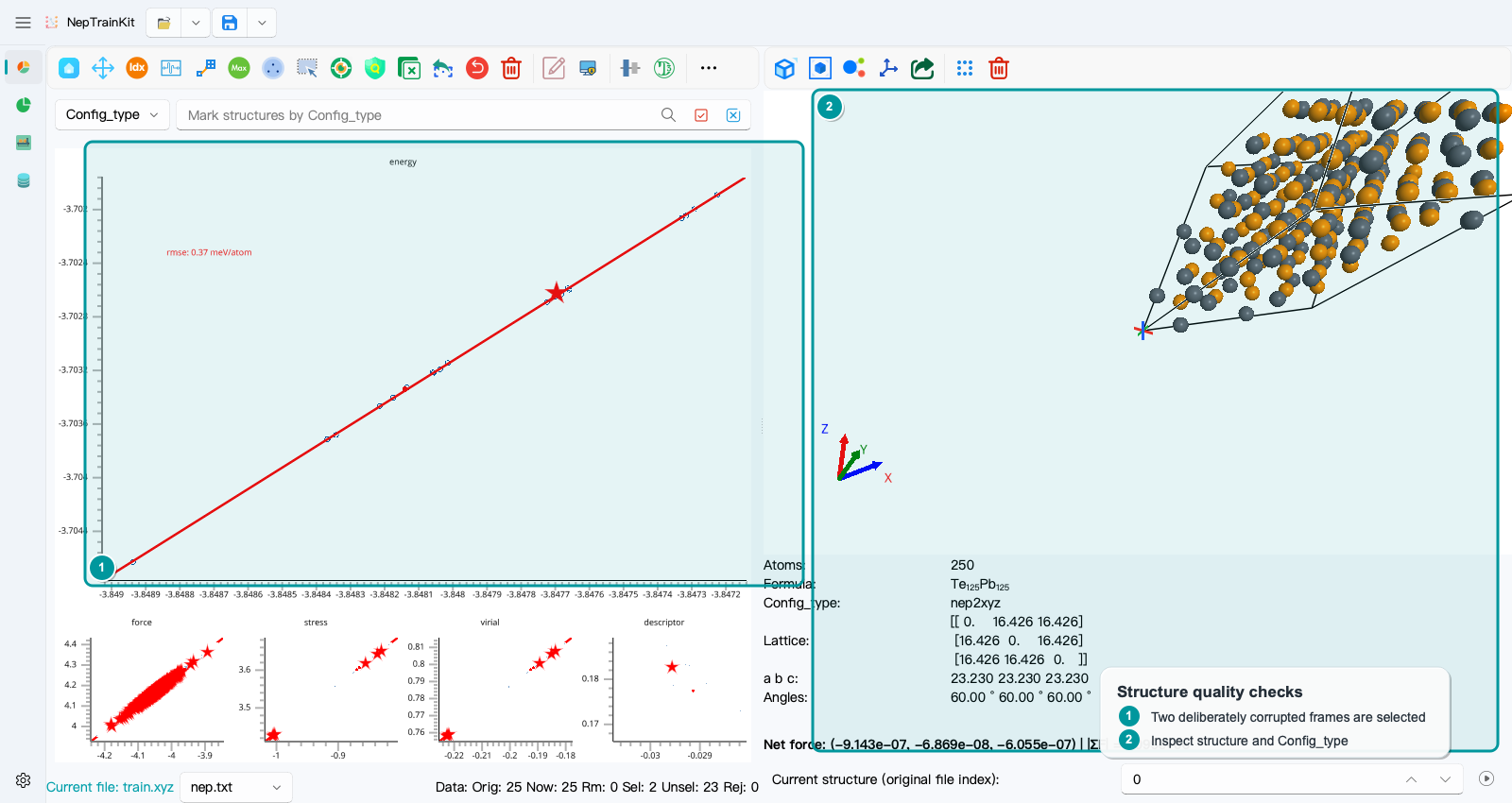
The demo data contain one deliberately introduced atomic overlap and one net-force outlier; the real checks select two structures in total. Inspect their geometry, periodic boundaries, and original DFT output to distinguish calculation failures from legitimate high-energy configurations. Export the selection for reference before removing confirmed invalid data. If you remove the wrong structure, use undo immediately.