NEP Dataset Display Example
This page is a task-oriented walkthrough. For the complete tool and parameter reference, see the detailed NEP Dataset Display reference.
Import data
Use nep.txt and train.xyz as the minimal input pair. You can also drag and drop them into the application.

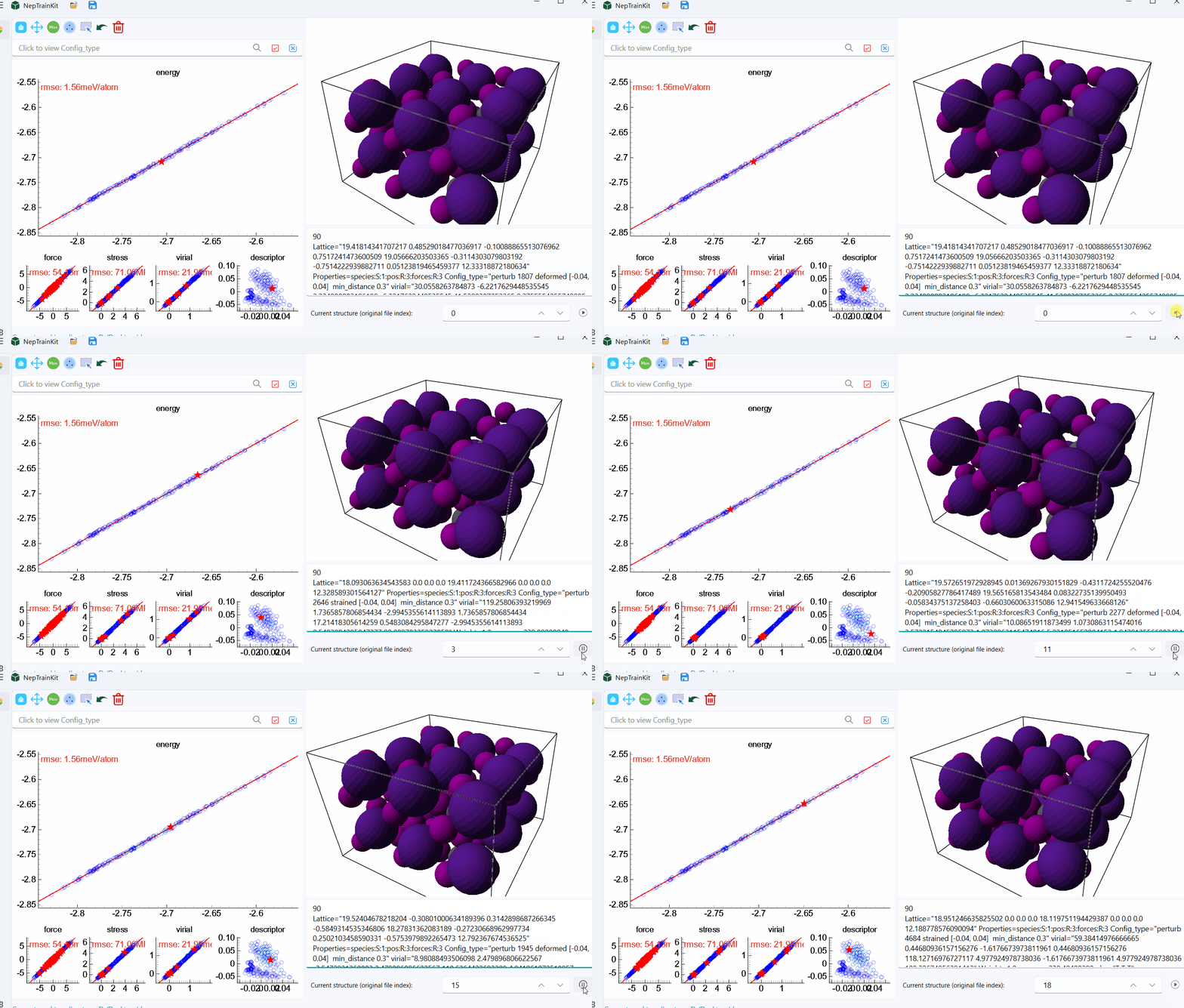
Play a trajectory
Click the play button to inspect the structures frame by frame:

Filter the dataset
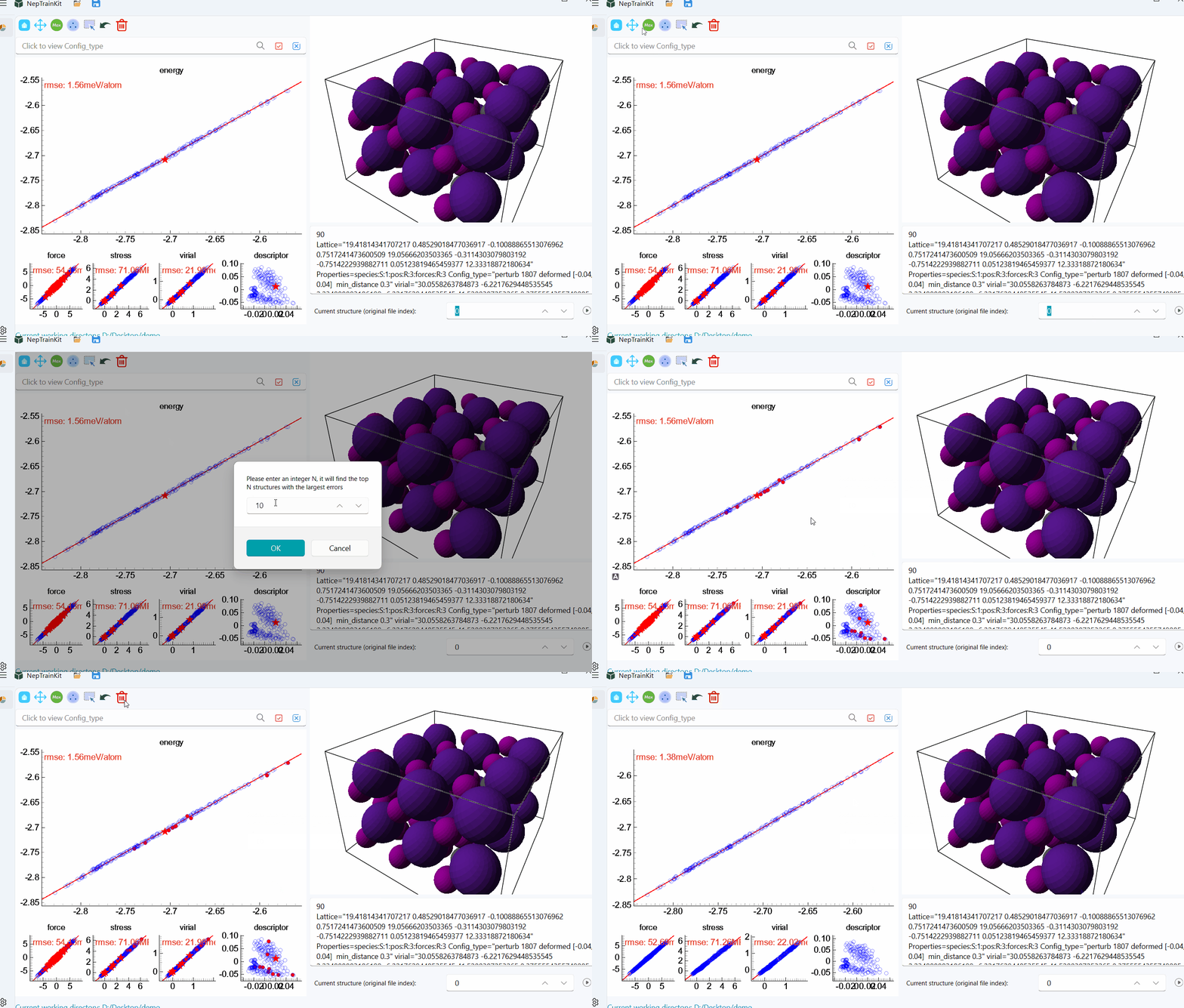
Select the largest-error structures:
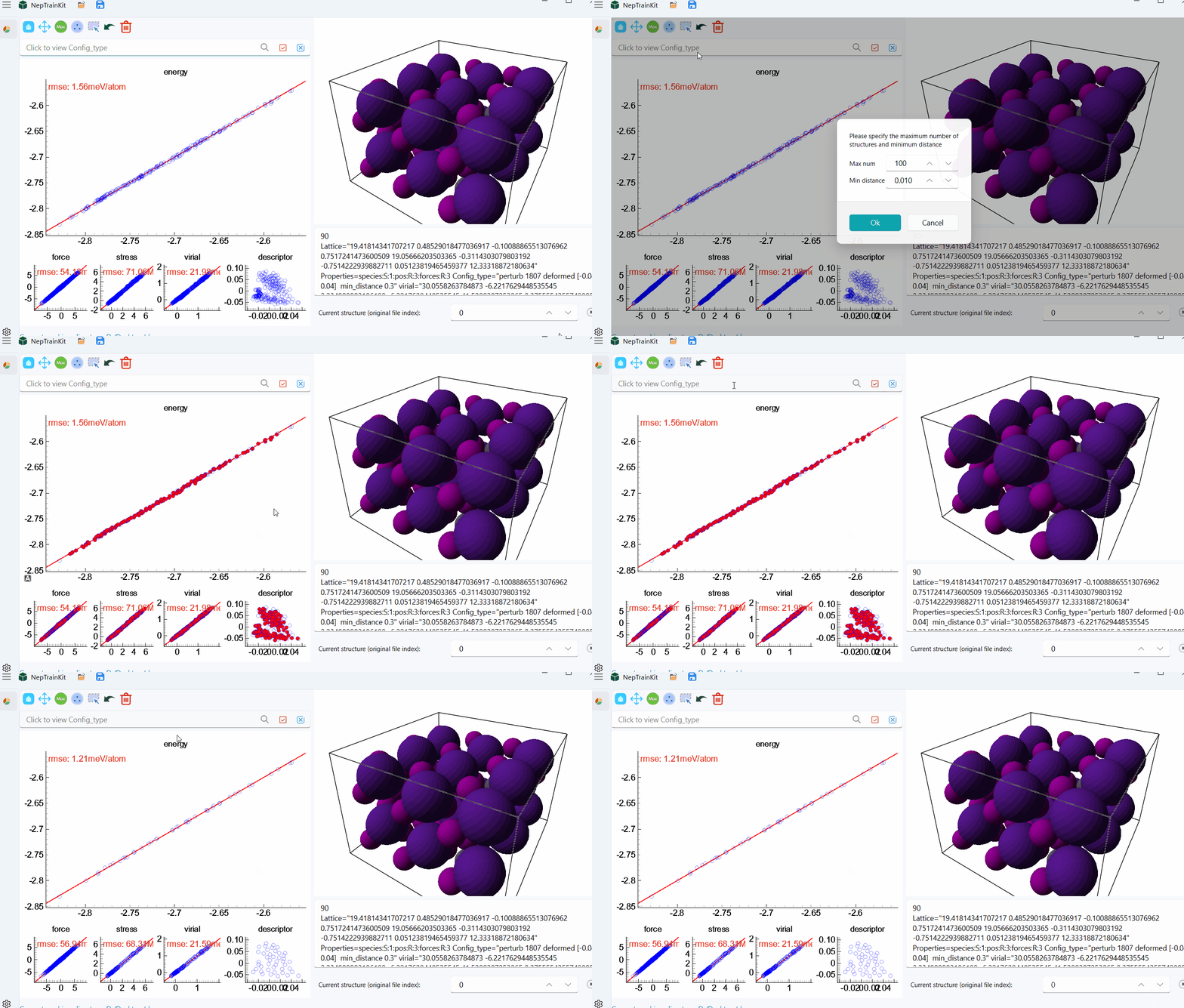
Select representative structures with FPS:
Select or deselect structures with the mouse:

Filter by combinations of
Config_typevalues: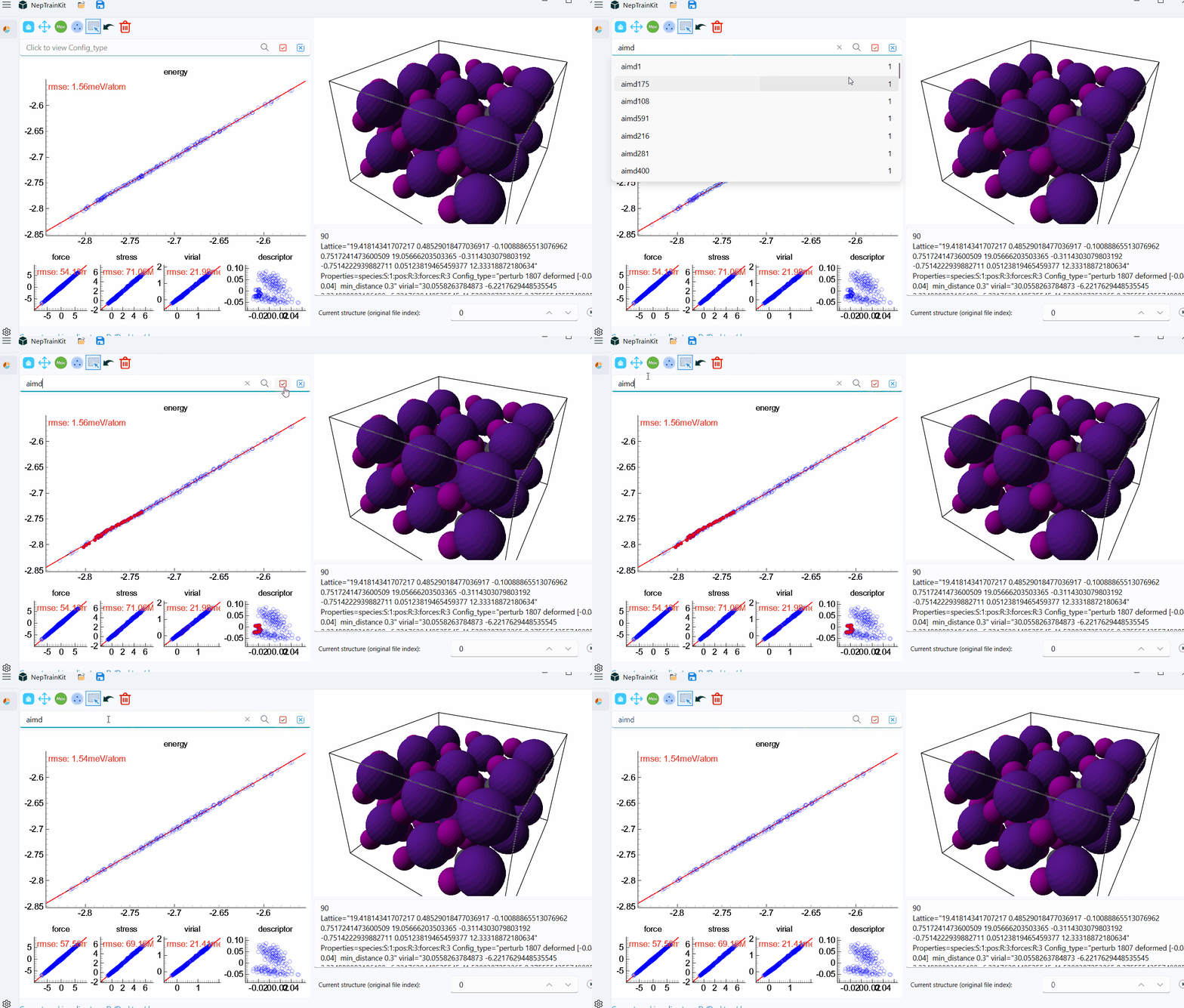
Export
Export the filtered dataset when the selection is ready:

For more detail:
For the icon legend and the behavior of each tool, see the detailed reference.
For import and export paths, switching NEP models, and search syntax, see the detailed reference.