Select Structures Precisely by Index
When structure indices already come from a log, training result, or external script, you do not need to click points one by one. Select by Index accepts both individual indices and slices, making it useful for reviewing, exporting, or removing a known set of structures.
Enter the Indices
After loading the data, click Select by Index on the toolbar.
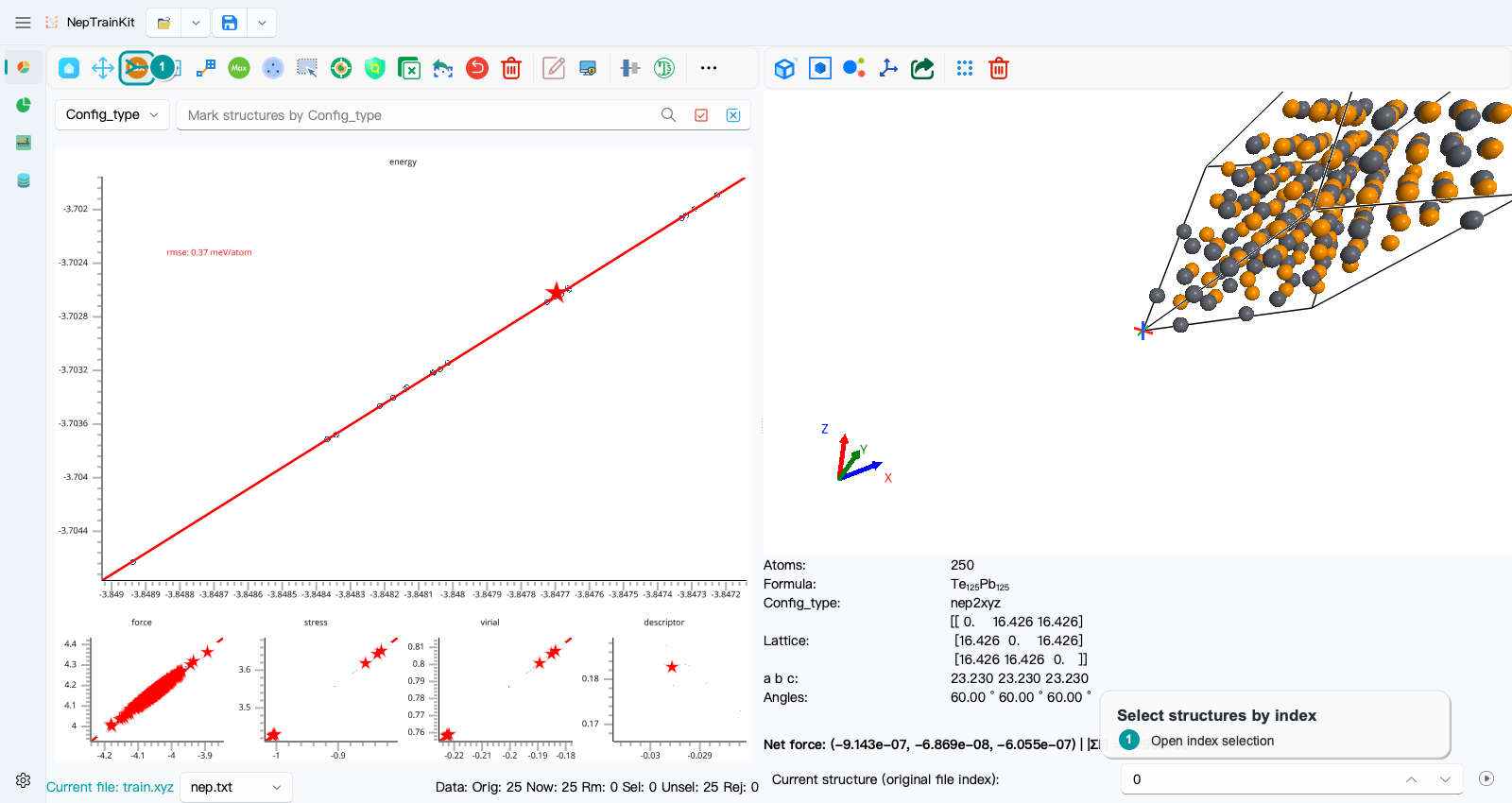
Enter 0, 5, 10:13 in the dialog:
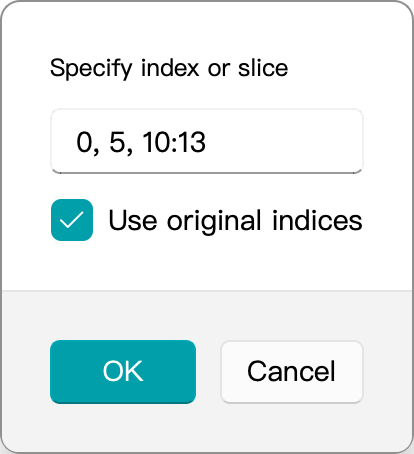
Indices start at 0, and the right endpoint of a slice is excluded. This expression therefore selects 0, 5, 10, 11, 12, for a total of five structures. Commas separate entries, and 10:13 follows Python slice syntax.
Usually keep Use original indices enabled. The indices then refer to the order in the originally loaded file even after filtering or deletion. When disabled, they refer to positions in the current active-structure list.
Verify Before Processing
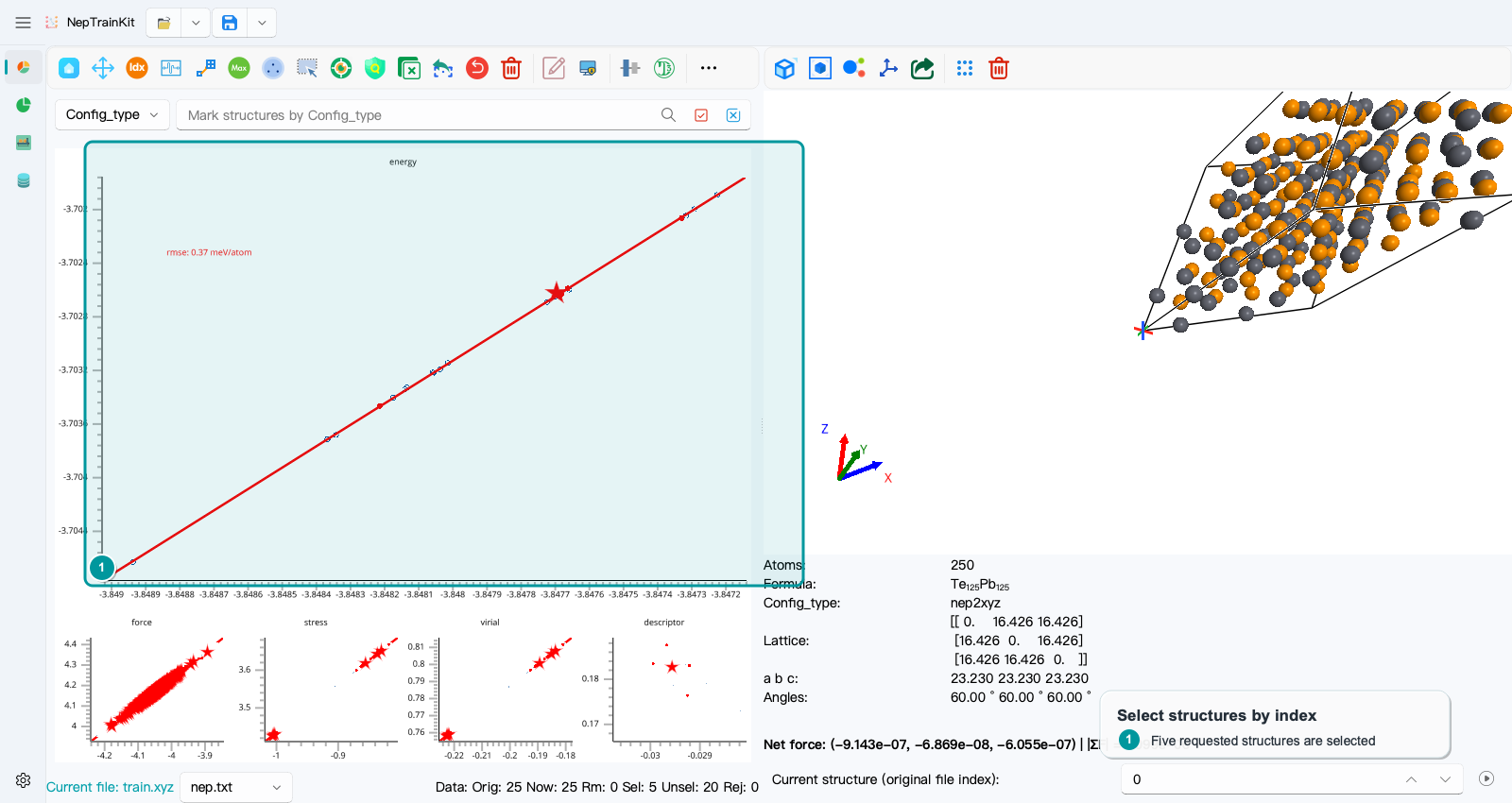
Confirm that the status bar shows Sel: 5, then inspect the structures one by one with the index control at the lower right. You can export only the selection, remove it, or continue the analysis. If the indices came from another file, first verify that both files use the same structure order; matching indices alone do not imply matching structures.